Getting started
Install it, allow two permissions, start your 14-day trial.
All guides
Install it
- 1
Drag it to Applications
Download the
.dmgwith Try free. - 2
Open it like any app
Notarized by Apple.
Needs macOS 14 Sonoma or later, on Apple silicon or Intel.
Go through the welcome
- 1
How new files are grouped
- 2
Where your folders go
- 3
Before you start
Then Get started.
Allow two permissions
- 1
Allow your Desktop folder
Your files never leave your Mac.
- 2
Accessibility, only for widgets
Used only so Add Widgets… opens the gallery.
Said no? System Settings › Privacy & Security › Files and Folders › Desktop Folder.
What changes on your Desktop
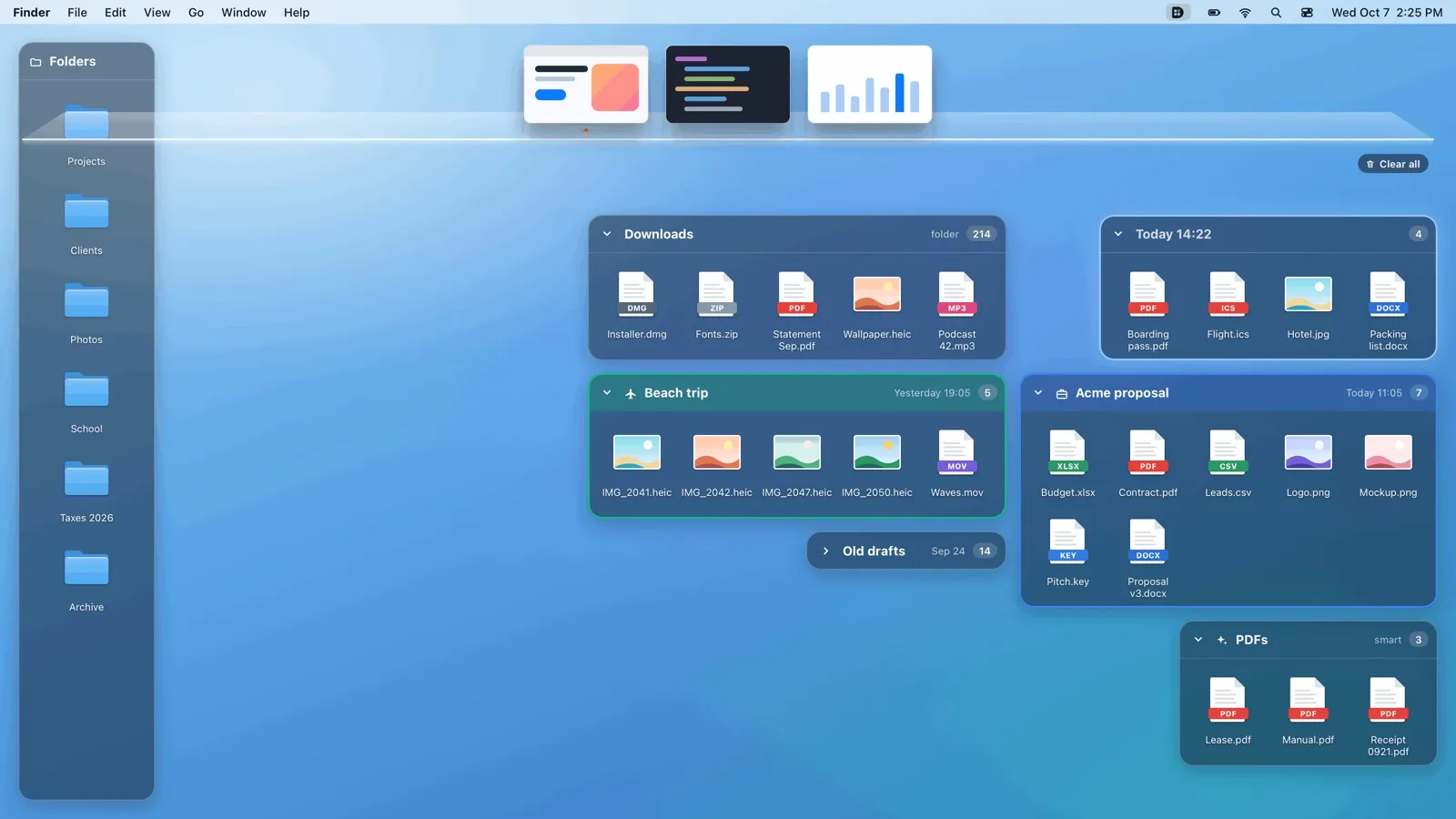
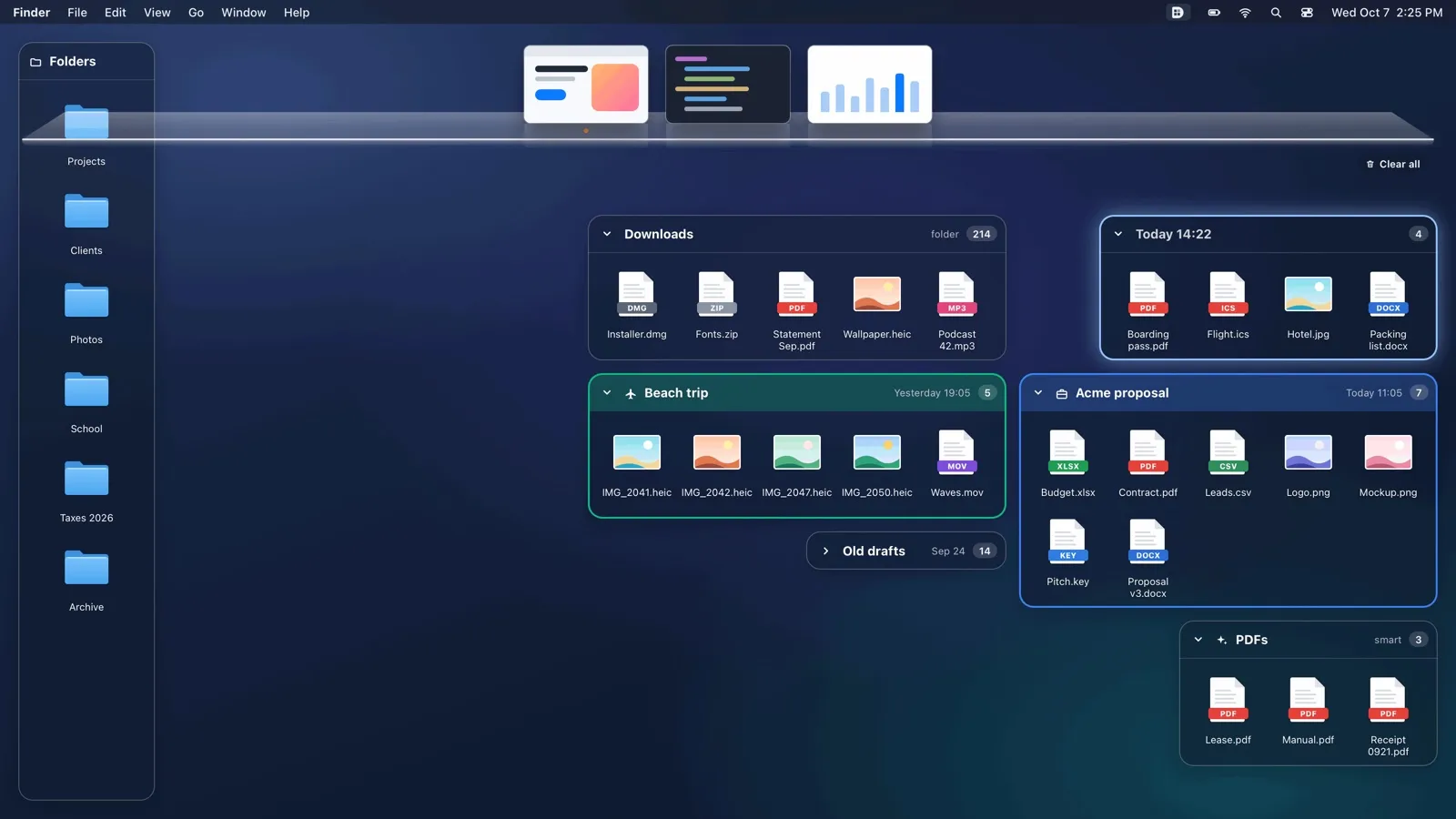 1
1Your files, in glass boxes
Nothing moves: they stay in
~/Desktop.- 2
Right-click is Desklot's menu
Your 14-day trial
- 1
Online once, then offline
- 2
Days left, in the menu
Opens Settings › License.
- 3
Then US$30, once
Per Mac, no subscription. Buy and activate.
Still stuck? Write to soporte@desklot.com. We answer within 2 business days. Support
Try free